
Logins & settings
The Settings Page
Your login and password, this device's layout, and — for a venue's admins — the venue's name and what + New League starts with.
Finding it#
Settings is for the app as a whole rather than one league. On a laptop, tap the round button with your initial at the right end of the top bar; on a tablet or phone it is in Menu, under Settings & help. You only see the parts that are yours.
My account#
- The email you are signed in as.
- What this login can do — each role it holds and where: a venue, every league in it, or one league.
- Change password. It asks for the current one first.
This device#
 Open full size ↗
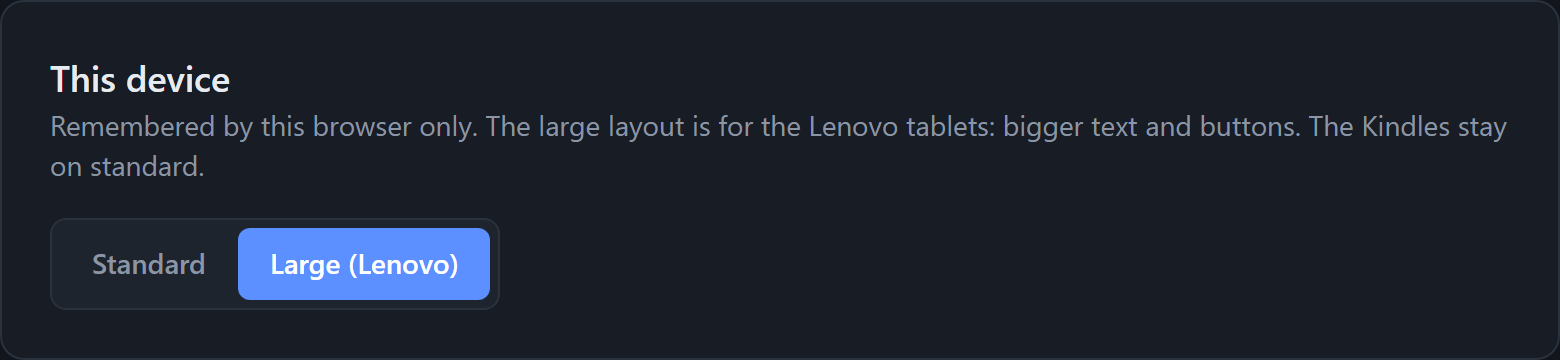
Choose Standard or Large (Lenovo). Large is bigger text and buttons for the Lenovo tablets. The Kindles stay on Standard.
Good to know
It is remembered by this browser only, so set it on each tablet. It does not follow the login.
Venue and league defaults (admins)#
 Open full size ↗
A venue's admins also see:
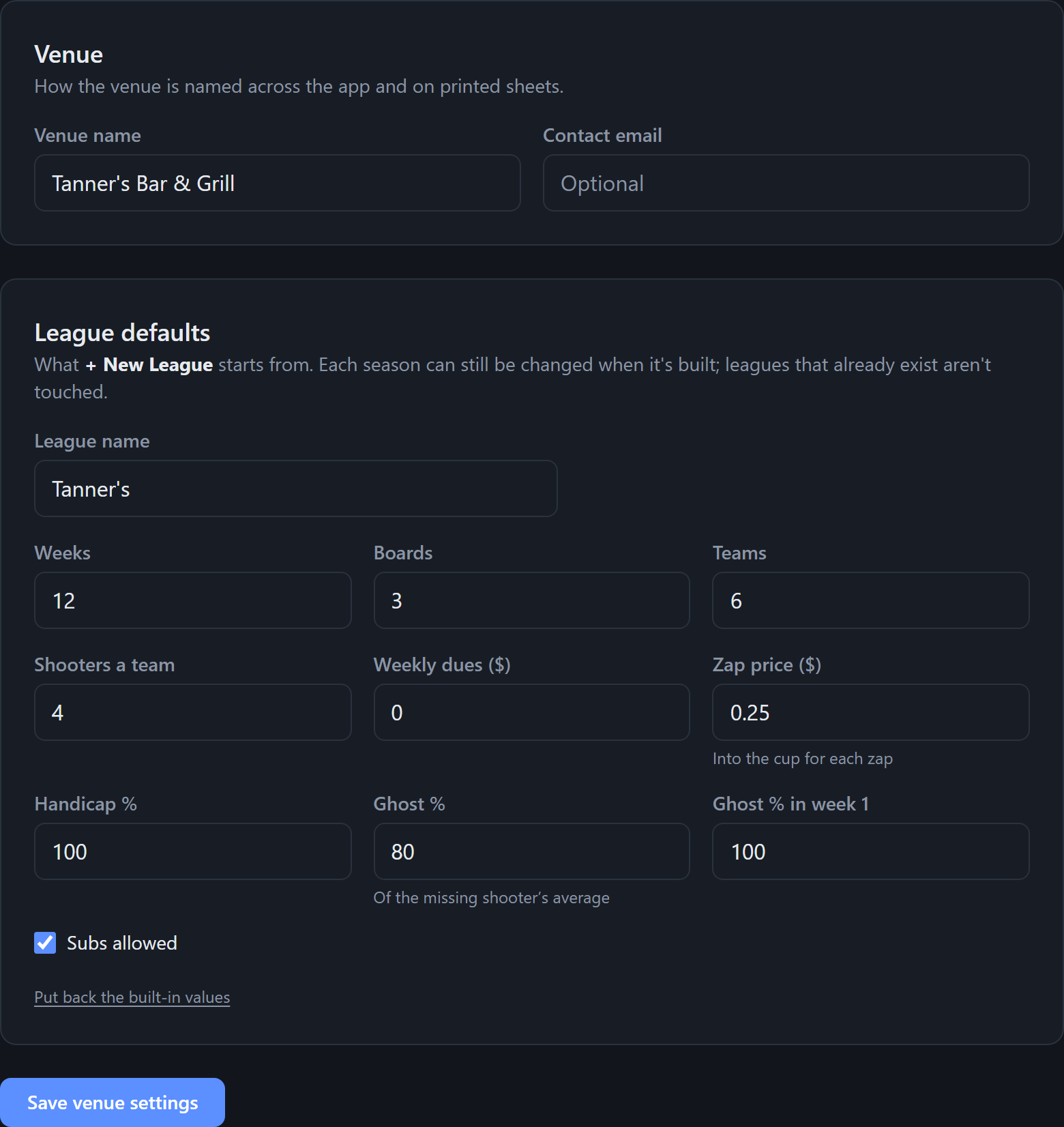
- Venue — its name, as shown across the app and on printed sheets, and a contact email.
- League defaults — what + New League starts with: the league name, weeks, boards, teams, shooters a team, weekly dues, zap price, handicap %, ghost % (and for week 1), and whether subs are allowed.
Tap Save venue settings. Put back the built-in values resets the defaults.
Good to know
Defaults only fill in the form for a new league. Leagues that already exist are not touched.
Tip
An admin of more than one venue picks which one at the top of the section.
Administration#
Admins also get Administration here: League access, People, Check a backup and — for the account owner — Organizations and App logs. See Logins and People.